Less admin, more teaching
Makevise builds AI marking and 3D engineering labs for apprenticeship and further education providers. Made by an engineering lecturer, tested in real classrooms.
Scroll to open the vise. Turn on Sound for the soundtrack.
Ten labs. One assessor.
Every tool here started as a fix for a real problem in an engineering classroom, and every one runs in a web browser.
Marking that holds steady
The AI Standardised BTEC Assessor reads every submission against the Pearson grading criteria, one criterion at a time, and quotes the evidence behind each decision. Your assessor reviews and signs off.
- CollectSubmissions arrive from your e-portfolio, grouped by cohort and unit.
- CleanLocked files are opened and renamed to one standard pattern.
- AnonymiseNames and learner numbers become hashed tokens, encrypted at rest with AES-256.
- AssessPass, Merit and Distinction decisions with quoted evidence and feedback.
- Review and returnYour assessor signs off, and grades go to your progress tracker.
Step onto the shop floor
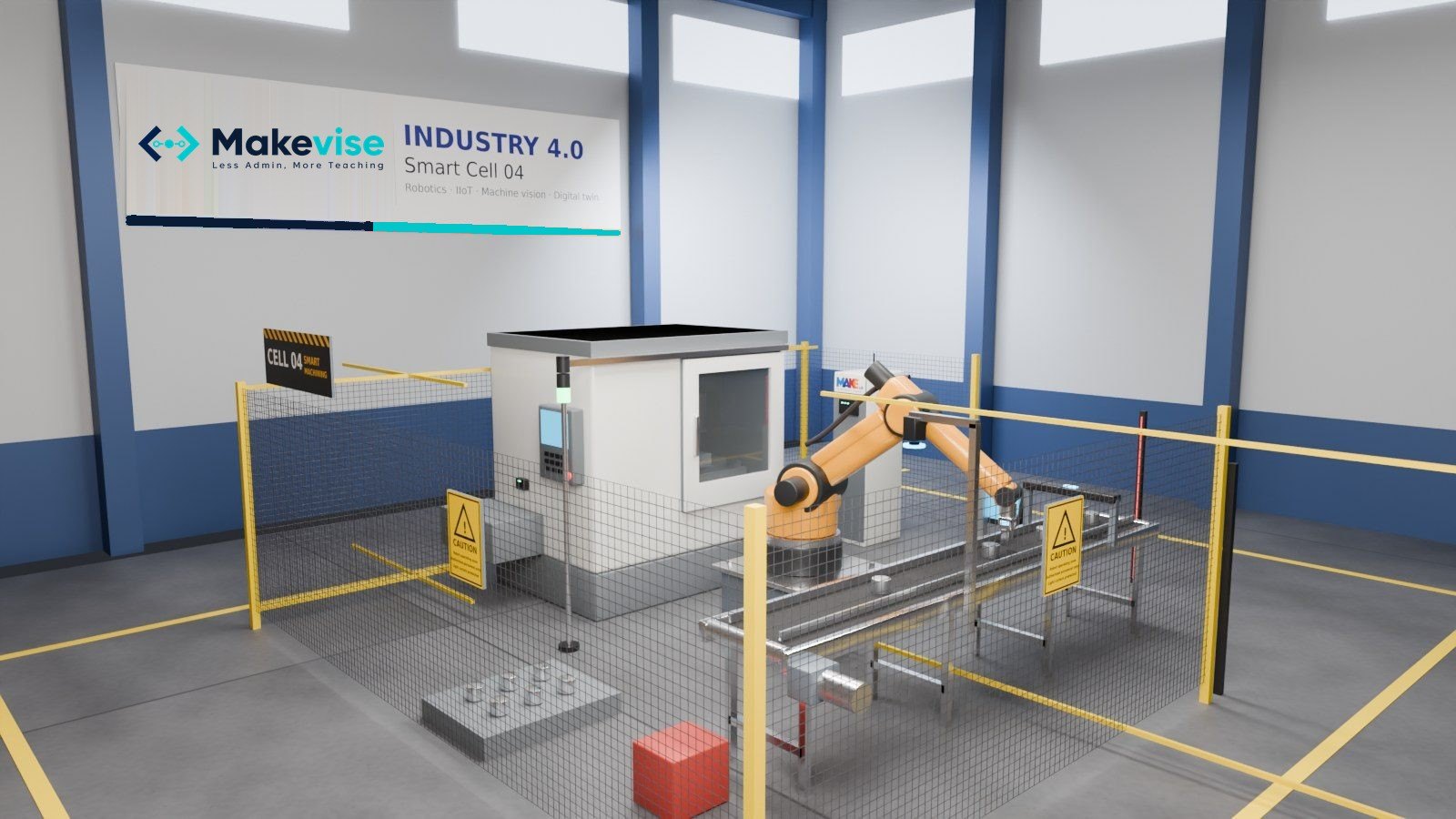
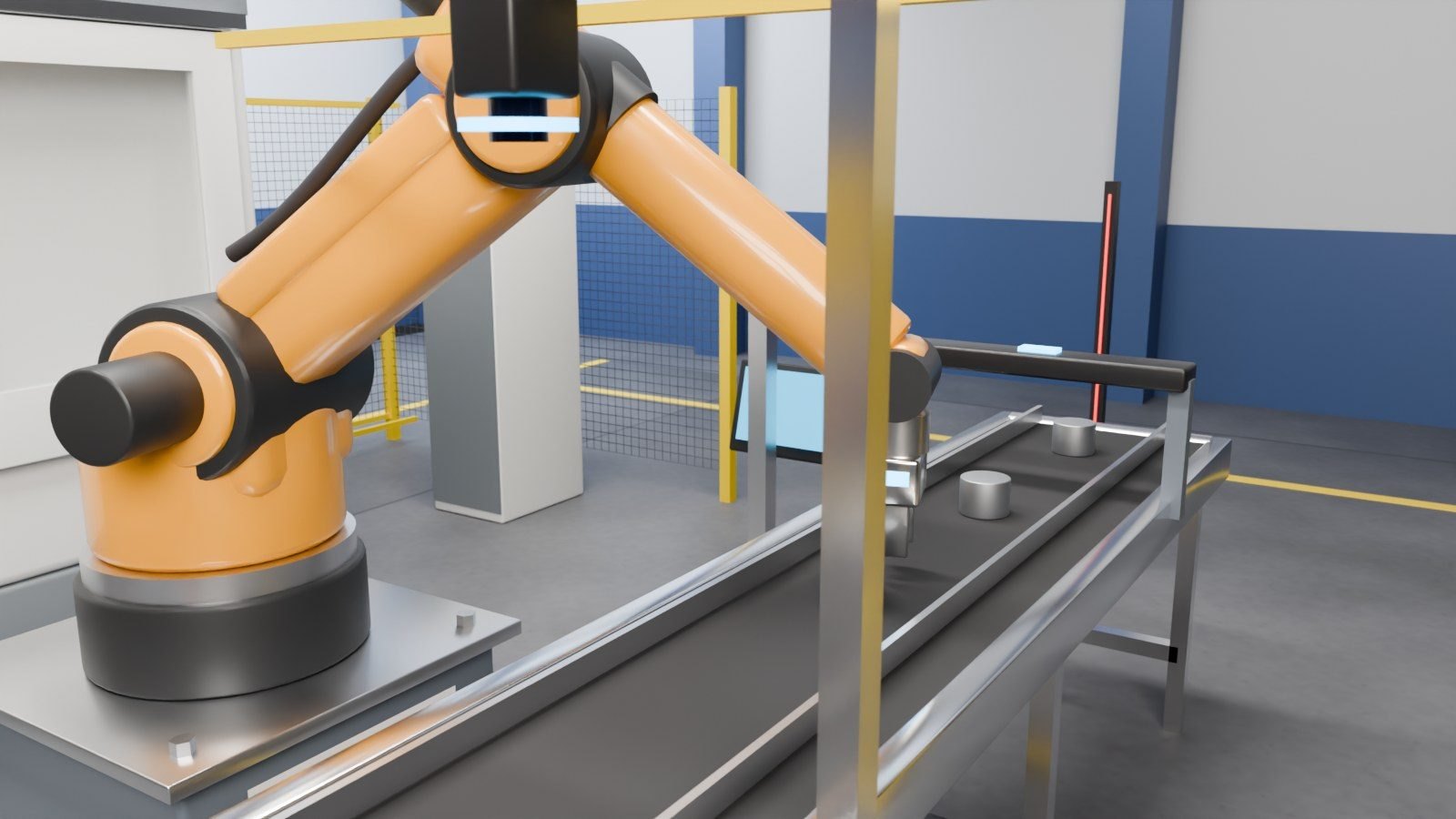
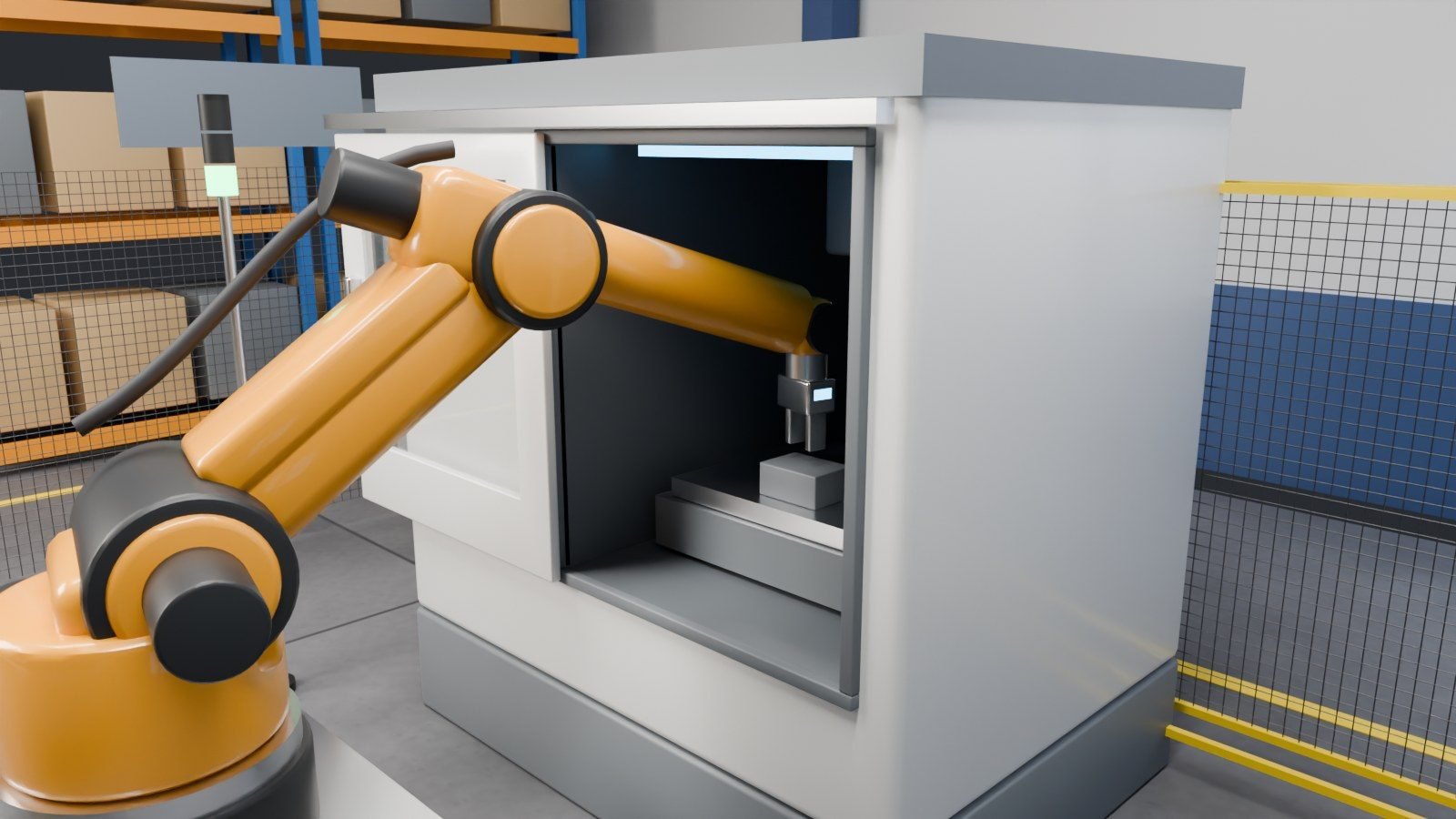
Smart Cell 04 is a full robot, CNC and machine vision cell, modelled in Blender and running live in the browser. Learners run the shift as engineer, read the digital twin and make the calls.
Makevise Labs
Ten browser labs and classroom games for BTEC engineering. Scroll to turn the bench, pick one below, or click a model.
TURBOFAN 4.0 Engine Shop
Strip, inspect and rebuild a wide-body turbofan engine, bay by bay.
Tensile Lab,
still elastic
Drag the strain and the machine pulls the specimen until it yields, necks and breaks, with the stress strain curve drawn live on the test screen.
Typical textbook values for each material. Open the full Tensile Lab
Admin tools that give the time back
Learner Data Cleaner
Unlock and rename a whole cohort's downloaded files in one go, ready for marking. Live now.
£45 a month
Create your accountBuilt for your IT review
- Names and learner numbers replaced with hashed tokens before any AI step
- Files encrypted at rest with AES-256
- Every action written to an audit log
- A written security controls report shared before any pilot

Built while marking
Dr Syed Saad founded Makevise. He is an engineering educator with a PhD in Construction Project Management who delivers BTEC Level 3 Advanced Manufacturing Engineering, and every lab on this page came out of his own teaching.
Marking a cohort of engineering assignments well takes days. Makevise gives that time back without losing the assessor's judgement, and gives learners labs they can use before the workshop is free.
Questions from providers
Where does learner data go?
Names and learner numbers are replaced with hashed tokens before any AI step, files are encrypted at rest with AES-256 and every action is logged. We share our security controls report with your IT and data protection team before a pilot begins.
Does it replace our assessors?
No. It drafts a decision for each criterion with the evidence quoted, and a qualified assessor reviews, changes and signs off every grade.
Which units are covered?
The labs cover BTEC engineering Units 7, 26, 30 and 108. The Assessor is configured unit by unit against the Pearson grading criteria. Tell us the units you deliver and we confirm coverage before a pilot.
Do the labs need installing?
No. Every lab runs in a web browser on classroom PCs, laptops and projectors, so learners can open them from your learning platform.
How is it priced?
The Learner Data Cleaner is £45 a month. The Assessor is charged per assignment marked, and the labs are licensed per provider. We quote for your cohort sizes.
Bring us one unit
We mark a sample of anonymised work with you, side by side with your own assessors, and give your learners the labs for a term.